Tuesday, February 2, 2016

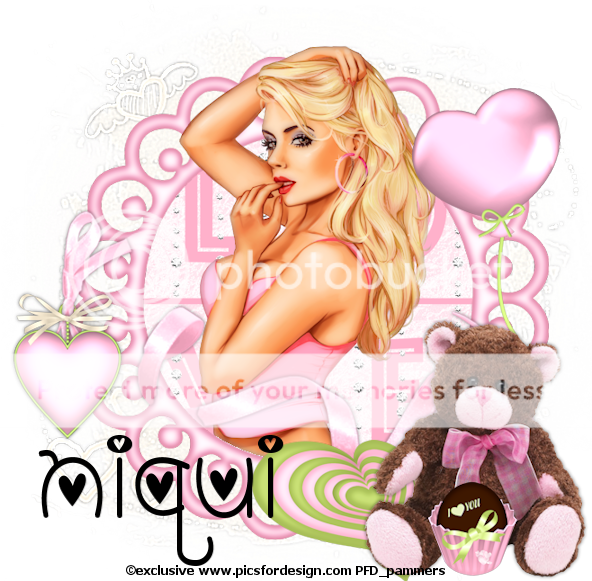
Valentine - FTU


Scrapkit - Niqui's blog - HERE
Mask - by Brutal Designs - HERE   (I used the last mask)
Tube - Exclusive from PFD - HERE
~~~~~~~~~~~~~~~~~~~~~~~~~~~~~~~~~~~~~~~~~~~~~~~~~~
Open new image 700x700 transparent
Paste pp17 and apply mask/merge group/adjust/sharpness/sharpen more
Ele23 - resize by 70% and paste onto canvas
PP5 - resize 40% and place under frame and erase any outside the frame
Ele5 - paste onto canvas and erase any outside frame
Ele30 - resize 40% and paste as shown
Ele34 - resize 70% and place at bottom behind bear
Now, very carefully erase parts of the ribbon so it looks like it is going in and out the frame circles
Ele29 - resize 30% and place - carefully erase so looks like it is tied in with ribbon
Ele26 - resize 40% and place under bear
Ele22 - resize 50% and place behind bear
Ele8 - resize 20% and place
Now place your tube as desired
Merge visible/resize as needed/crop/add proper copyright

Monday, January 18, 2016

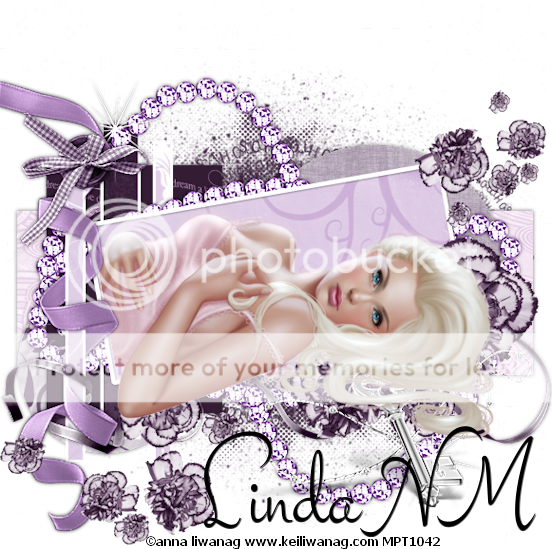
Elegant - FTU


Scrapkit - "Elegant" - HERE
Template by LindaNM - HERE
Tube - Anna Liwanag when she was with MPT - you can get her tubes at HERE

~~~~~~~~~~~~~~~~~~~~~~~~~~~~~~~~~~~~~~~~~~~~
Open template and delete all Christmas layers
I always work from bottom to top and ds as you go
PP5 - send to bottom apply mask of choice
Raster5 - pp4
Raster10 - pp2
Raster6 - pp1
Raster11 - pp6
Raster3 - pp5 - for this layer and next 2, you will have to use your magic wand. My settings are add/color/tolerance of 30
Raster4 & copy - pp3
Raster1 - pp7 - resized by 60%
Ele32 - place on top of mask layer
Ele31 - placed at top of template and erase just a little so it looks like it is wrapped around the template
Ele27 - resize by 80% - place on canvas
Image/free rotate/right by 70 - position as mine and erase so it looks like it is wrapped around the template
Ele24 - place and position
Ele5 - place on canvas and drag on top of raster6 - image/mirror/image/flip
Ele4 - resize 60%
Ele33 - resize 25%
Place your tube as you see fit
Crop/resize/add proper copyright


Friday, January 15, 2016

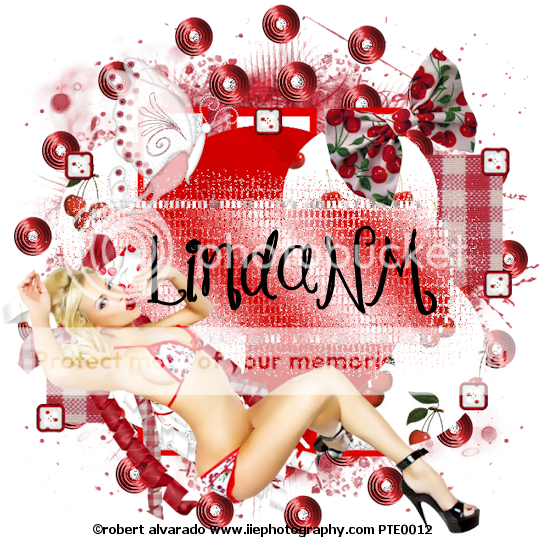
Cherries - FTU

Scrapkit - by IrishPrincess "Cherries & Cream" - HERE
Template by LindaNMHERE
Tube - Robert Alvarado - I got this tube when he was with PTE and you can get his tubes at CDO - HERE
~~~~~~~~~~~~~~~~~~~~~~~~~~~~~~~~~~~~~~~~~~~~~~~~~~~~
Open template and delete the top 4 layers and Raster 5
Remember to add d/s as you go - your choice
Image/Canvas size/700x700
Starting at the bottom:
Raster 6 and copy, merge down and use PP16
Raster4 and copies - use PP9
Raster7 and copy - use PP1
Vector1 use PP12
Skip raster 8 & copy
Raster2 use PP10
Resize PP3 by 60%
Raster3 & copy use PP3
Raster2 - fill with a gradient of your choice
Effects/Texture/Mosaic antique with settings of:
Add PP15 and apply your mask of choice
Frame1
CorkerBow - resize 50%
Bow - resize 25%
Butterfly2 - resize 25% - image/mirror
SquareButton - resize 15% - position as you see fit
Place your tube
Merge all visible/Crop/resize as needed/add proper copyright


Tuesday, January 12, 2016

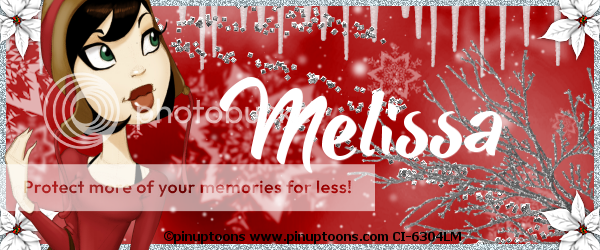
Red Winter - FTU

~~~~~~~~~~~~~~~~~~~~~~~~~~~~~~~~~~~~~~~~~~~~~
Scrapkit - Gothic Winter HERE
Mask - none
Template - none
Tube - Pinuptoons HERE
DS is your choice
Please remember to leave thanks when downloading
~~~~~~~~~~~~~~~~~~~~~~~~~~~~~~~~~~~~
This is a forum type tag
Open new image 600x250
Open pp12 and resize by 89%
Paste into image
Ele10 - just place onto image
Ele3 - paste onto image and position at top so just the icicles are showing
Ele38 - just paste onto image
Ele32 - place in bottom right corner so just the branches are showing
Add new raster layer and flood fill with grey
Select all/select float/select modify - contract/by 6/hit delete on keyboard/select none
Add noise 
Ele28 - resize 50% - place in each corner
Place your tube and position at left
Crop your tag/add proper copyright
~~~~~~~~~~~~~~~~~~~~~~~~~~~~~~~~~~~~

Tuesday, January 5, 2016

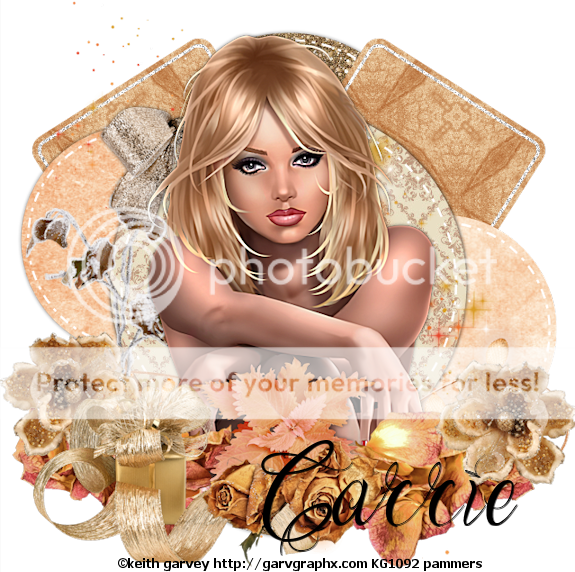
Serene - FTU


Scrapkit - "Winter Cuddles" and "Tinas Winter" by Pink Paradox - HERE & HERE
Template from AllisonHERE
Tube -  Keith Garvey - HERE  please use with proper copyright
~~~~~~~~~~~~~~~~~~~~~~~
Open template and delete copyright layer
Starting at the bottom:
Bottom and Upper Circle - pp18
Pink rect's - pp16
Black circles - pp10
Large circle - pp7
Ele50 - resize 73% - place bottom of circle
Ele61 - resize 25% and place over ends of ele50
Ele62- resize 30% and place as shown
Ele72 - resize 35% - place top left
Ele69 - resize 40% and drag below ele63
USING ELEMENTS FROM TINAS WINTER -
Ele61 - resize 30%
Ele68 - resize 45% - image flip - paste into position as shown - duplicate - image/mirror
Ele31 - resize 42%
Add your tube and erase any if needed
Crop/resize as needed/add copyright and merge visible


Saturday, October 17, 2015

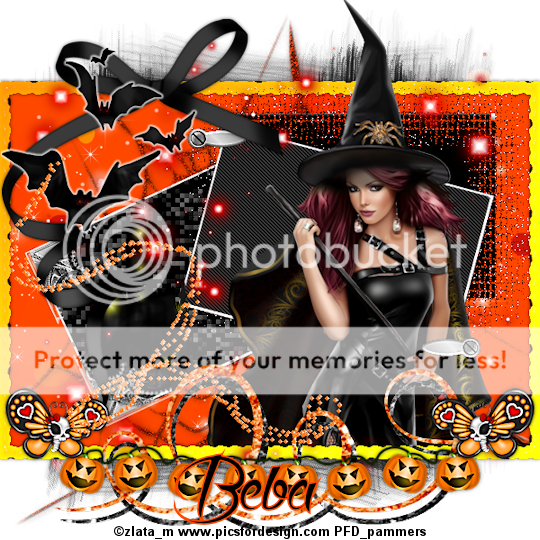
FTU - Halloween2


Scrapkit - from Beba HERE
Mask - your choice
Template - HERE  1st template on 4th row
Tube - Zlata_M at PFD HERE
~~~~~~~~~~~~~~~~~~~~~~~~~~~~~~~~~~~~

Open template and delete copyright, ribbons, bottom, and slider layers
I work from bottom to top
Click on bottom layer and add pp6 and apply your mask/merge group
Next add pp7
Add ele25
Add ele24
Add pp2 for border layer
Crop your tag - don't resize
Apply EC4000/glass/default but change edge darkening to -58 and the color to orange
Next layer
Effect - Xero/fritillary/top # change to 5/bottom # 115
Next layer
Effect - texture/antique mosaic/default
Next layer - effect -penta.com/jeans/at default
Next 4 layers...merge down
Adjust/sharpness/sharpen more
Add ele2&3 at bottom
Add ele18
Add ele23
Ele19 resize 50% and place as shown - erase any over the frame then drag to layer under the 4 merged layers
Resize tube and place as shown...erase any over the edge
Click on top layer and add the following:
Ele 8
Ele20 - resize 45% - add a thing white glow
Ele17 - resize 30%
Drag ele15 to below tube layer
Click top layer add ele14
Merge all visible/resize as needed/add proper copyright


Saturday, October 3, 2015

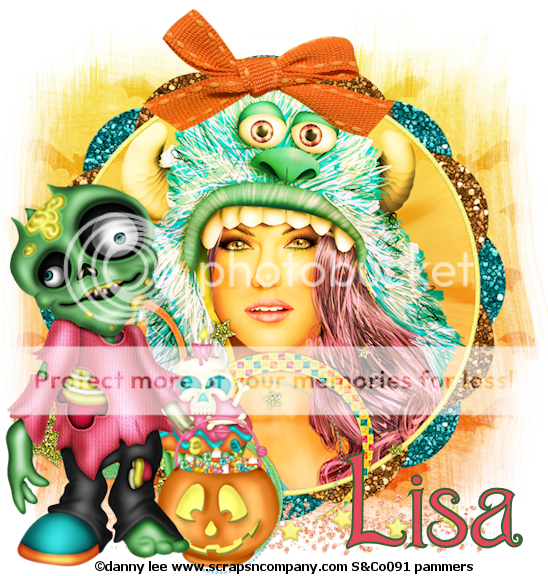
Halloween - ftu


Kit - Monster Bash by Lisa with Creative Misfits - HERE
Mask - your choice
Tube - DannyLee with Scraps and Company  - HERE
~~~~~~~~~~~~~~~~~~~~~~~~~~~~~~~~~~~~~~~~~~~~~~~~~~~~~~~
Open bat paper and apply mask of choice
Open frame1 - resize 85% and place on canvas
Grab magic wand and click inside frame/selections/modify/expand by 2/click on mask layer and promote/select none
Adjust/blur/radial blur - change blur strength to 25
starswirl - resize 85%
Stars - resize 80% and place below frame
Bow2 - resize 70%
Zombie - resize 70%
Candybucket - resize 40%
Skullcupcake - resize 45%
Frame layer...magic wand/click inside frame/modify/expand by 2/Place close up/invert/delete/select none
On your tube layer - layer properties to hard light or whichever looks best
Merge all visible/crop/resize/add proper copyright and you are done