Saturday, July 16, 2016
Cluster - FTU
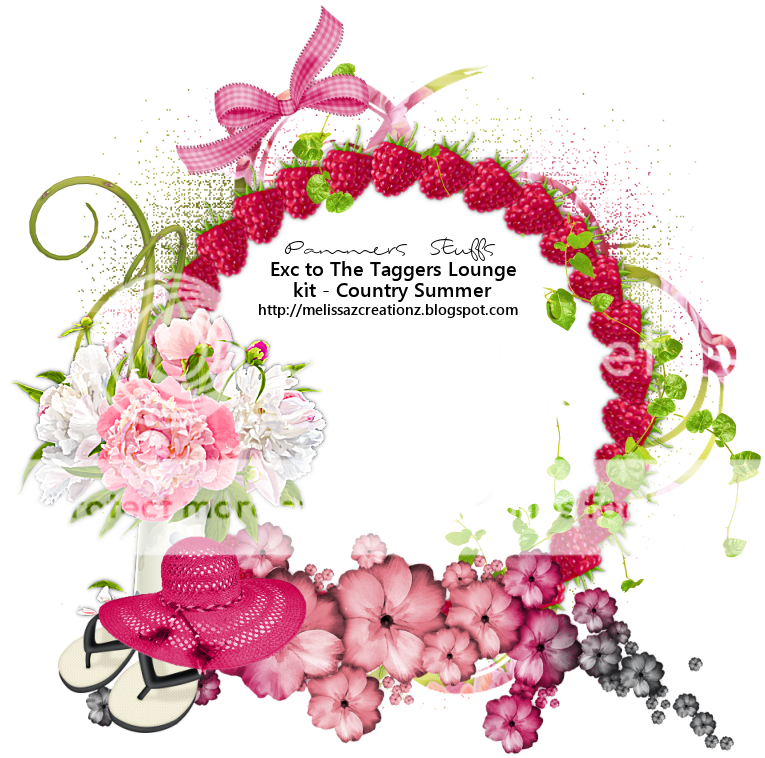
I made a cluster with Melissa's Kit - Country Summer. You can grab this over at The Taggers Lounge blog HERE


Thursday, July 14, 2016
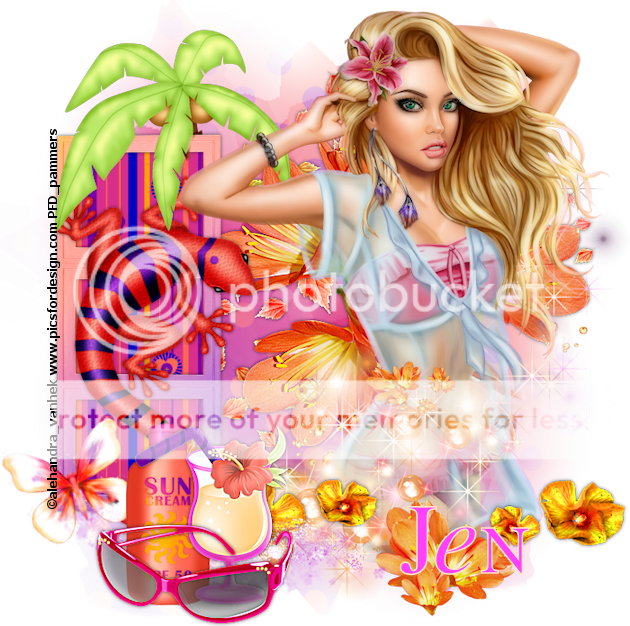
PTU Sunset Blvd
~~~~~~~~~~~~~~~~~~~~~~~~~~~~~~~~~~~~~~~~~
Mask - Your choice
Tube - "Dolly" Alehandra Vanhek at PFD HERE
~~~~~~~~~~~~~~~~~~~~~~~~~~
"Add drop shadow as you go"
New image 700x700
Paste pp1 and apply mask...merge group
Frame1 - rotate this 90 to the left
Grab your magic wand - add/none and click inside each frame/expand by 2/pp6/selections invert/delete and drag below the frame layer
Add a ds of your choice to frame and merge down
Grab the Geko and place on frame
Palm Tree - erase as needed
Sparkle - top right-ish
Tube - resize and place (I resized mine 47%)
Petals - position top right- drag to mask layer
Flower2 - position middle of mask layer
Flower3 - paste and drag a little to the bottom left
Flower1 - poisition
Decore - place as desired
Bubbles - position/image/free rotate left 90
Flourish - position as you like
Sun cream - resize 45%
Bahama mama - resize 45%
Bfly3 - resize 30% - position on frame/rotate to the left a little bit
Sunglasses - resize 50%
Merge visible/crop/resize/add proper copyright
Back
I am back and hopefully will be getting more tutorials written. Enjoy and as always, you can send me your work of my tutorial and I will proudly display it :)
Tuesday, April 5, 2016
Spring - PTU
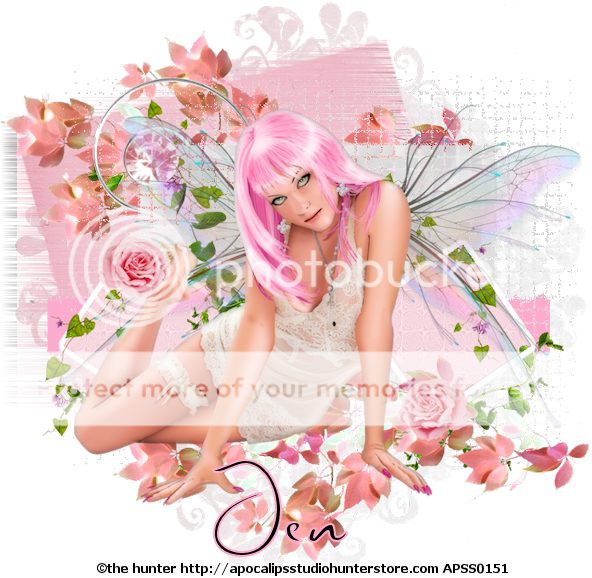
Scrapkit - Spring Romance Exclusive to TTL HERE
Template "Strutter" by Brutal Designs HERE
Mask - Moonbeams and spiderwebs mask #67 HERE
Tube - The Hunter - not sure where he is selling right now
~~~~~~~~~~~~~~~~~~~~~~~~~~~~~~~
Drop Shadow as you go along
Open template and delete copyright, word art, and both circle layers
Paste pp3 - apply mask, merge group, duplicate and merge down
Pink Rec - pp1
Effects - DSB Flux/blast/direction left/20%
Blk Ln - fill with a color from your tube
Effects - Tramages/Wee scratches/18/repeat again
Grey rec - pp5
Effects - Texture/antique mosaic at default
Dk grey sq left and right - pp4
Ele17 - place on canvas
Ele22 - resize 50% - erase as needed to make it look like it is clipped
Ele11 - resize 30% - place on canvas/duplicate/mirror and position
Ele10 - resize 20% - do the same as for ele11
Ele18 - image/free rotate right/90 and place - duplicate/image/flip and drag down as needed
Resize your tube as needed and place - I used Xero/porcelain on my tube
Crop/merge visible/resize/add proper copyright
Monday, March 7, 2016
Lucky Babe - TTL Exclusive Kit
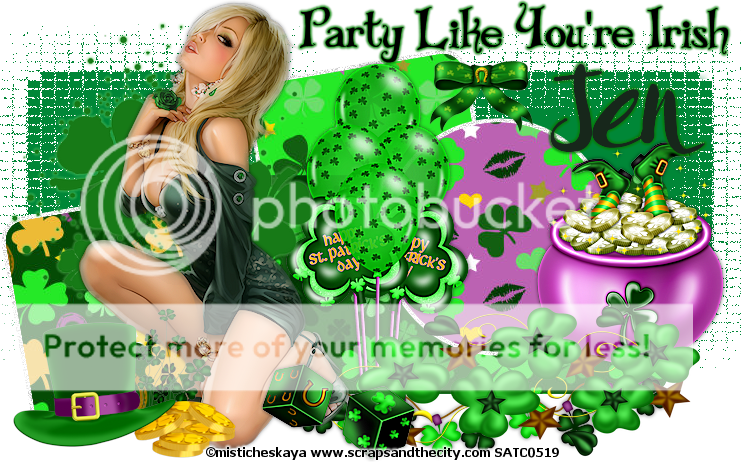
Template - HERE (I used the last template)
Tube - by Misticheskaya @ SATC...she sells at PFD now HERE
~~~~~~~~~~~~~~~~~~~~~~~~~~~~~
Open template and delete copyright and layer 3 - drag the word art to upper left and add thin gradient glow - d/s of your choice as you follow along
Merge layer 1 & 2 together
PSP Effect/texture/mosaic antique - default
Layer4 - pp7 and move a little to the left
Layer5 - pp9
Layer6 - pp10 - add a small border around layer 6
Selections/select all/float/modify/expand by 4/new raster layer and flood fill with color of choice
Now add a light "bright noise" - drag below your paper
Layer7 - pp 8 - add border as for layer 6
I went back and did the same to layer4
Click back at top
Doodle 1
Bow - resize 25%
Lights
Swirl
Hat&coins - resize 50%
Dice - resize 40%
Balloons - place behind doodle 1 - I erased some of the bottom...you do how you want
Pot o gold - 55%
Place your tube and position to your liking - merge all visible
Crop/resize as needed/add proper copyright and done :)
~~~~~~~~~~~~~~~~~~~~~~~~~~~~~
Tuesday, February 9, 2016
Dark Valentine - FTU
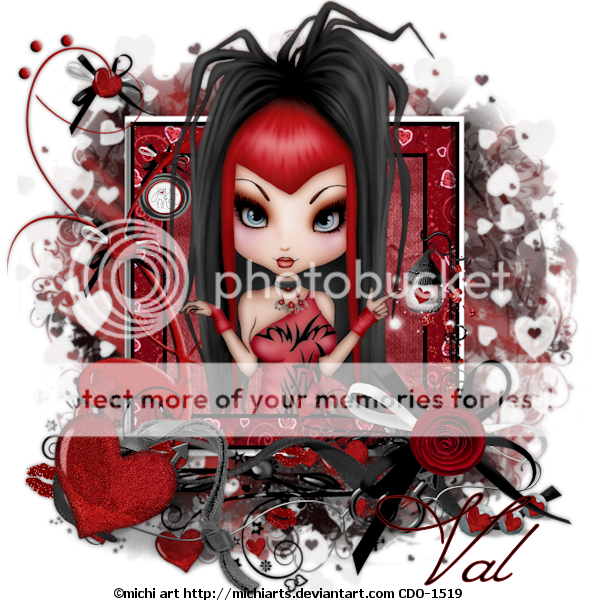
Mask - KK Heart1 - HERE
Tube - Michi at CDO HERE
~~~~~~~~~~~~~~~~~~~~~~~~~~~~~~~~~~~~~~~~~~~~~
Open paper21/apply mask/merge group/resize 90%
Paste frame2
Grab your magic wand (add/none) and click inside frame/selections/modify/expand by 15/ and paste pp5/invert/delete and drag below frame layer
Doodle2 - place at bottom of frame
Genderheartribbon - resize 75% and place
Gender wire - place
Doodle - resize 70% and place
Flower bow - place
Hanging heart - place
Place your tube and erase any hanging over the frame
Merge all visible/crop/resize as needed/add proper copyright
Tuesday, February 2, 2016
Valentine - FTU
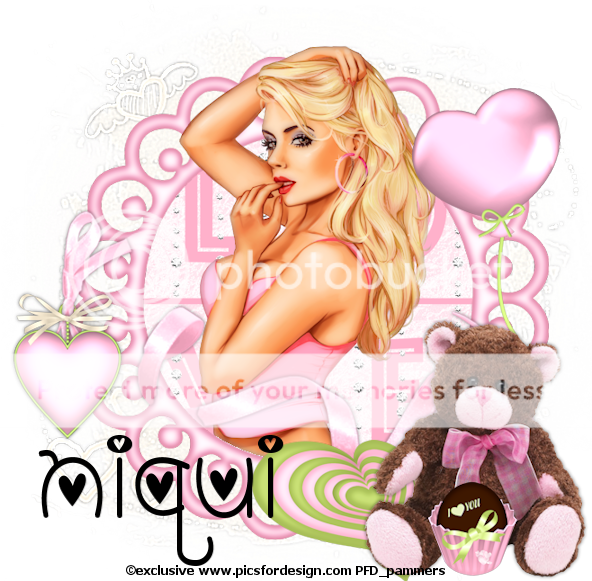
Scrapkit - Niqui's blog - HERE
Mask - by Brutal Designs - HERE (I used the last mask)
Tube - Exclusive from PFD - HERE
~~~~~~~~~~~~~~~~~~~~~~~~~~~~~~~~~~~~~~~~~~~~~~~~~~
Open new image 700x700 transparent
Paste pp17 and apply mask/merge group/adjust/sharpness/sharpen more
Ele23 - resize by 70% and paste onto canvas
PP5 - resize 40% and place under frame and erase any outside the frame
Ele5 - paste onto canvas and erase any outside frame
Ele30 - resize 40% and paste as shown
Ele34 - resize 70% and place at bottom behind bear
Now, very carefully erase parts of the ribbon so it looks like it is going in and out the frame circles
Ele29 - resize 30% and place - carefully erase so looks like it is tied in with ribbon
Ele26 - resize 40% and place under bear
Ele22 - resize 50% and place behind bear
Ele8 - resize 20% and place
Now place your tube as desired
Merge visible/resize as needed/crop/add proper copyright
Subscribe to:
Posts (Atom)