Friday, October 28, 2016

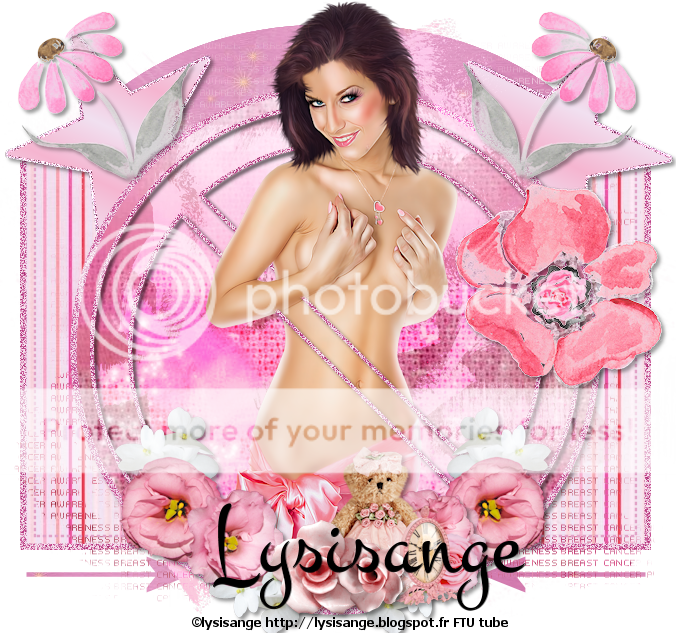
BCA - FTU


BCA KitHERE (Grab it quick)
TemplateHERE
Mask -  by Bam Bangers - HERE (using mask1)
Tube - HERE  by Lysisange...it is a freebie...make sure to use the url in the download  strictly for this tube
~~~~~~~~~~~~~~~~~~~~~~~~~~~~~~~~~~~~~~~~~~~~~
Open template
Delete word art and copyright layer
Starting at bottom adding a ds of your choice as you go:
Shape - p7
Arrows - -merge together and flood fill your choice
Glitter rect - adjust/hue saturation/colorize I used H231 and S134
Rect - p6
Paste p2 and apply mask/merge group
Dotted rect - same hue and sat
Make a gradient with 2 colors of choice -  linear, angle 25, repeats 8
4 star layers - merge together and fill with gradient - stay on this layer
Selections/select all/float/modify by 3 - new layer - flood fill with a dark color and drag below the star layer - apply some noise
Glitter circle, no shape - same hue and sat as before
Black circle - p2
Ele22 - layer properties to overlay
Place your tube as you want - for mine, I duplicated the no shape and dragged the dup above tube abd erased off her face and arm
Ele18 - resize 35% - duplicate/mirror
Ele24 - resize 25%
Ele25 - 18%
Ele17 - resize 30%
Ele10 - resize 40%
Ele2 - resize 40% position and erase a bit of the stem, duplicate, mirror
E9 - resize 10%
hide the white layer
Crop/merge visible/resize as needed/add proper url and you are done


Thursday, October 20, 2016

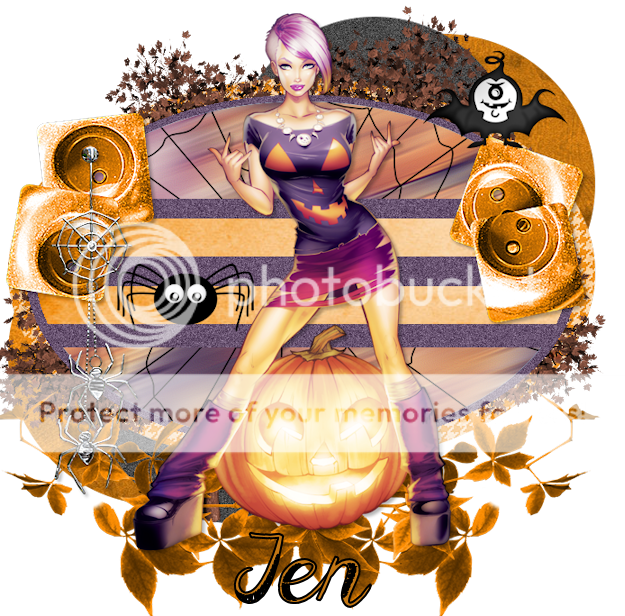
TTL Exclusive "Hocus Pocus"


Scrapkit - exclusive to the TTL "Hocus Pocus  HERE
Template - HERE  let's use template #5
Tube - Elias ...you can get this tube HERE
~~~~~~~~~~~~~~~~~~~~~~~~~~~~~~~
Add d/s of your choice as you go
Open template and delete copyright and word art layers. Starting at bottom:
Paste close-up of your tube
Effects-Mura Meister/copies/wall paper rotate at default...hide for now
Purple circles - pp1
Blue circles - pp6
Adjust/add-remove noise-gaussian at 25
Purple elipse - pp3
Black elipse - flood fill with color from tube
Add noise again to this layer
Now, open the wallpaper layer
Adjust/blur/motion blur angle 250, strength 100...apply this 3 times
Effects - Edge effects/enhance more
Ele4 - paste onto layer and merge down
Drag this layer to right above blue elipse layer- use this as the paper
Blue rounded rectangle - flood fill with same color used before and add same noise effect
Purple lines - pp2
On all 4 tiny squares...use ele34 as the paper and delete the little squares
Paste your tube
Effects/Xero/Radiance 18, 50, 128, 228
Ele8 - resize 40%
Ele1 - resize 40%
Ele3
Ele11 - drag down/duplicate/image/mirror
Ele32..use your eraser tool and erase some of the stem..paste onto canvas/duplicate/image/mirror and place under tubes feet
Hide white background layer if you choose/merge all visible/resize/make sure to add proper copyright


Friday, October 14, 2016

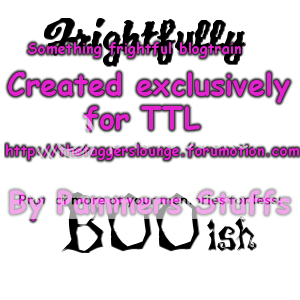
The Taggers Lounge "Something Frightful" Blog Train

I actually joined a blog train :) Below are the word arts I contributed..
More fun can be had at The Taggers Lounge

Be sure to stop along the ride to collect your goodies!
Also please leave some love!!

Some of the ladies are in different time zones....all links should be working tomorrow


These are PSD format so you can place as you like....and have fun!!!

Thursday, August 18, 2016

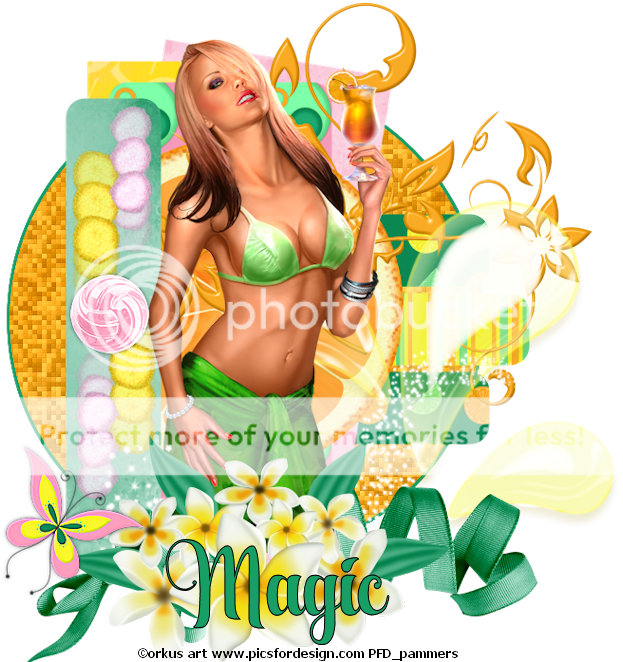
Bright - FTU Exclusive at TTL


Scrapkit by Majik - HERE
Template by Millie - HERE
Tube - Orkus Art from PFD HERE  Do not use without proper copyright
~~~~~~~~~~~~~~~~~~~~~~~~~~~~~~~~~~~
Open template and delete copyright and word art layers
Layer 1 - p1
Effects - Xero/fritillary/change variation to 39
Selections/all/float/modify - expand by 3/new raster layer/flood fill with green/select none and move under layer 1
Layer 2 - p11
Layer 3 & 4 - p10
Layer 5 & 6 - p3
Layer 7 - p2
Layer 8 - p8
Place citrus slice on layer 9 then delete layer 9
Doodle
Layer 10 - p5
Grab pom pom...erase stems and resize 30%
Position top of layer 10 - effects/mura meister/copies/after image(h-random)
Image/free rotate/left90  - place at top again/duplicate/image/mirror/image/flip position
Button - resize 40%
Juice splash - position
Place tube
Sparkles
Ribbon
flowers
Butterfly1 - resize 40%
Merge visible/crop/resize/add proper copyright


Friday, July 29, 2016

Hibiscus _ FTU


Scrapkit - Hibiscus by Amy and Leah HERE
Tube - Alehandra Vanhek with PFD - HERE
~~~~~~~~~~~~~~~~~~~~~~~~~~~~~~~~~~~~~~~~~~~~~~~~~
Open paper5 - apply mask of choice and merge group
Frame5 - resize 90% and place on image
Grab your freehand selection - set to freehand and draw around the frame/invert/pp7/delete/select none and drag below frame layer
Leaves
Leaf1 - position
Branch - position
Net - resize 80% and position
Flower1 - position
Flower2 - position
Shell2 - resize 75% and position
Butterfly - position/free rotate/right/20
Position tube of choice/crop/resize if needed and add proper copyright

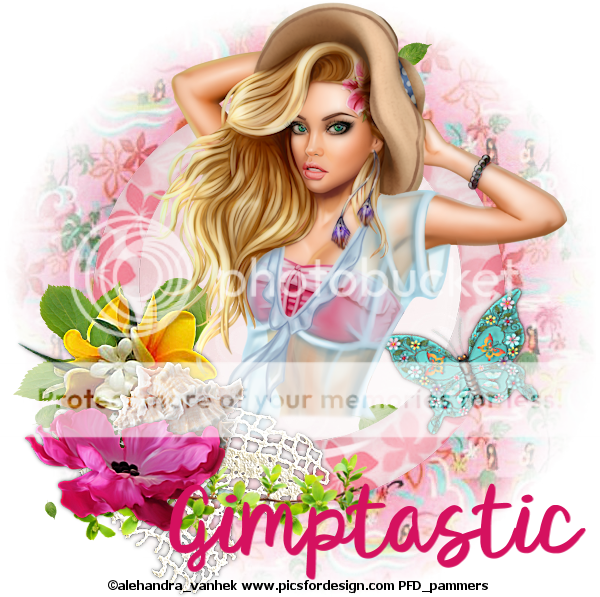
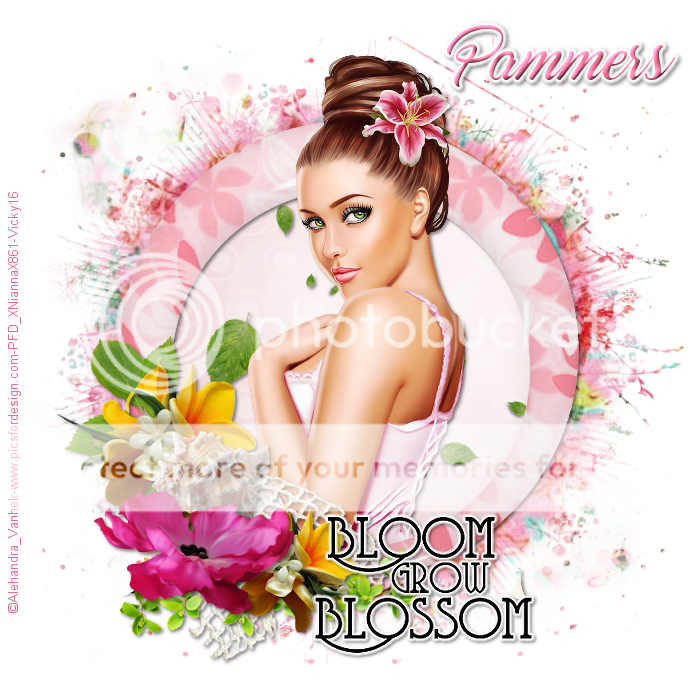
This tag was made by Vicky over at Artistic Tag Passions...thank you again, Vicky, for trying my tut :)

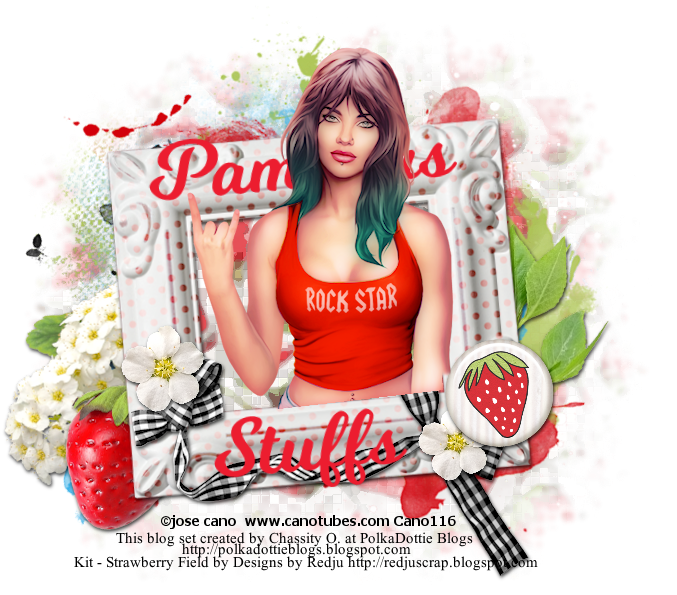
Donna at The Taggers Lounge made this


Thursday, July 21, 2016

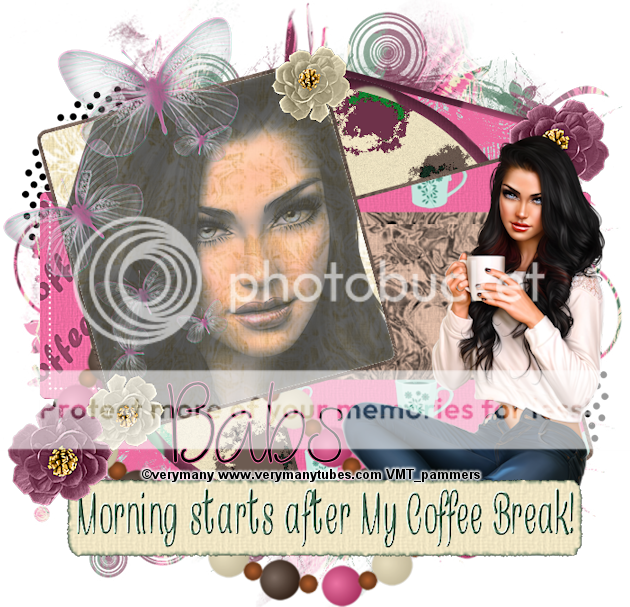
Coffee Time - FTU


Scrapkit by Babs of Bitzy Beez Designz - HERE
Template by Dee - HERE
Tube - VeryMany HERE  Do not use without proper copyright
~~~~~~~~~~~~~~~~~~~~~~~~~~~~~~~~~~~~~~~~
Open template, delete copyright, white background and the 3 frame layers - also word art
~~I always work from the bottom up
Paper 18 - resize by 95%- apply mask of choice - merge group
Paste as bottom layer
Merge left & right square together - pp13
Effects/3d/inner bevel/white/default
Merge pink squares together - pp23
Black rect - pp8
White circle - pp13 use same inner bevel
Black circle - pp12
Right blue rect - pp17
Right white rec - pp1
Blue strip - pp22
Left blue rect - pp17
Left white rec - pp8
Close up - position as mine
Staying on close up - Effects/xero/nostalgia/default then apply xero again using porcelain moving slider to the left
Layer properties/multiply/opacity 70
Place your main tube and position
Label 5
Doodle 7 - resize 80%
Butterflies 1&2 - I added them together - you do as you want - resize 70%
Place and adjust/sharpness/sharpen more
Necklace1 - resize 75%
Flower 12 - resize 30% - duplicate/image/mirror/flip - use sharpen more on both flowers
Flower 9 - resize 15% - same as flower 12
Merge all visible/resize/crop/add proper copyright


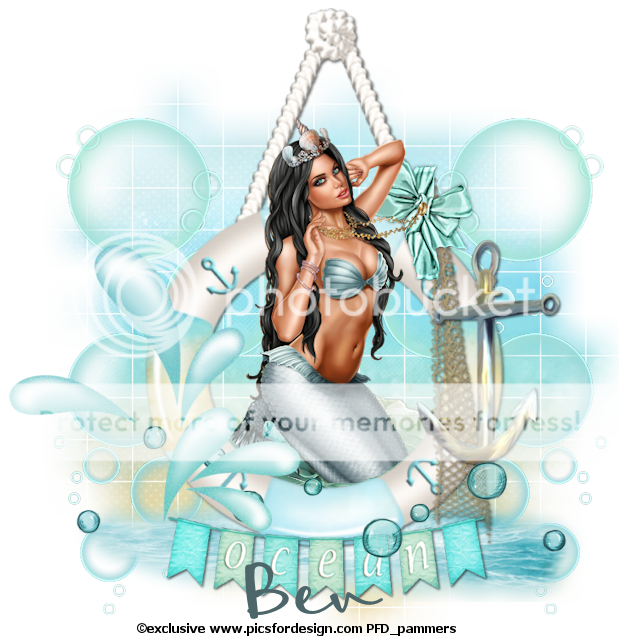
Sea - FTU


Scrapkit by Horseplay - HERE
ClusterHERE  (I used the last one made by Louise)
Mask - your choice
Tube - Blue Ocean Exclusive at PFD HERE
~~~~~~~~~~~~~~~~~~~~~~~~~~~~~~~~~~~~~~~~~~~
Open your cluster and erase copyright
Image/canvas size 800x800 (I like a big canvas to work with when using clusters)
Paste pp6 and drag behind cluster and apply mask/merge mask group
Move mask layer down a little to make more center of cluster
Ele72 - place at bottom of cluster
Ele65 - duplicate 2x's and merge together and past behind right side of cluster
Image/duplicate/mirror
Merge these 2 layers together
Adjust/sharpness/sharpen more
Ele16 - position as shown
Ele44 - resize 50% and position as shown
Ele28 - position behind the cluster
Crop your tag so we can add our tube
If using the same tube as me, I resized mine by 40%
Place as you desire
Merge all visible
Resize, add proper copyright and you're done

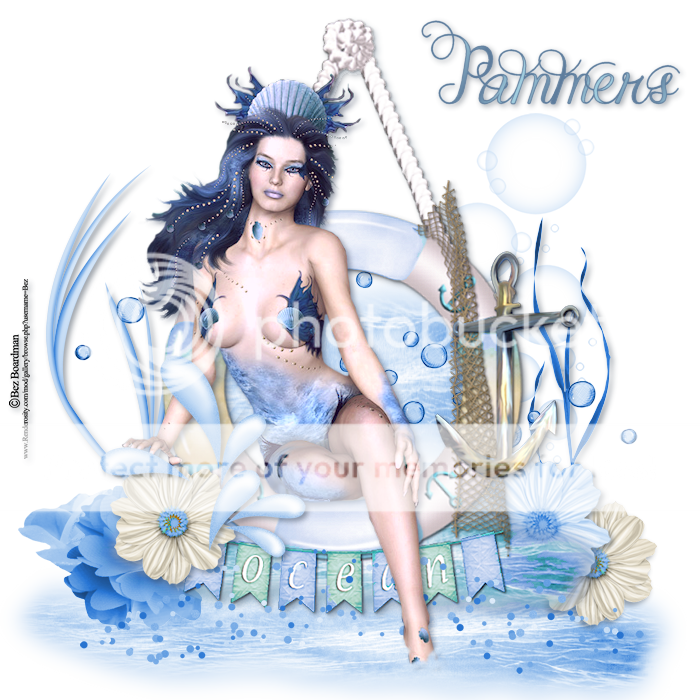
These tags were done by friends at Artistic Tag Passions


I totally love the different takes on this tutorial